
It’s been a while since I posted my last update on my current hardware and software setup, and there’s a good reason for that. For years, I’ve been stuck in this odd pendulum, switching between macOS and Linux every few years.
This year followed the same pattern: I daily-drove a MacBook Air for most of it, right up until I got fed up with Tim Apple’s behavior towards the orange-king administration. That was the moment I decided this switch might actually be my last - basically me voting with my money, even though I don’t even live in the US.
Ever since October, I’ve been back on Linux. This time, the transition was way smoother. Over the past few years I’ve been running my own “cloud” services, which makes most of the tools I rely on day to day cross-platform. Because of that, all I really had to switch was the OS.
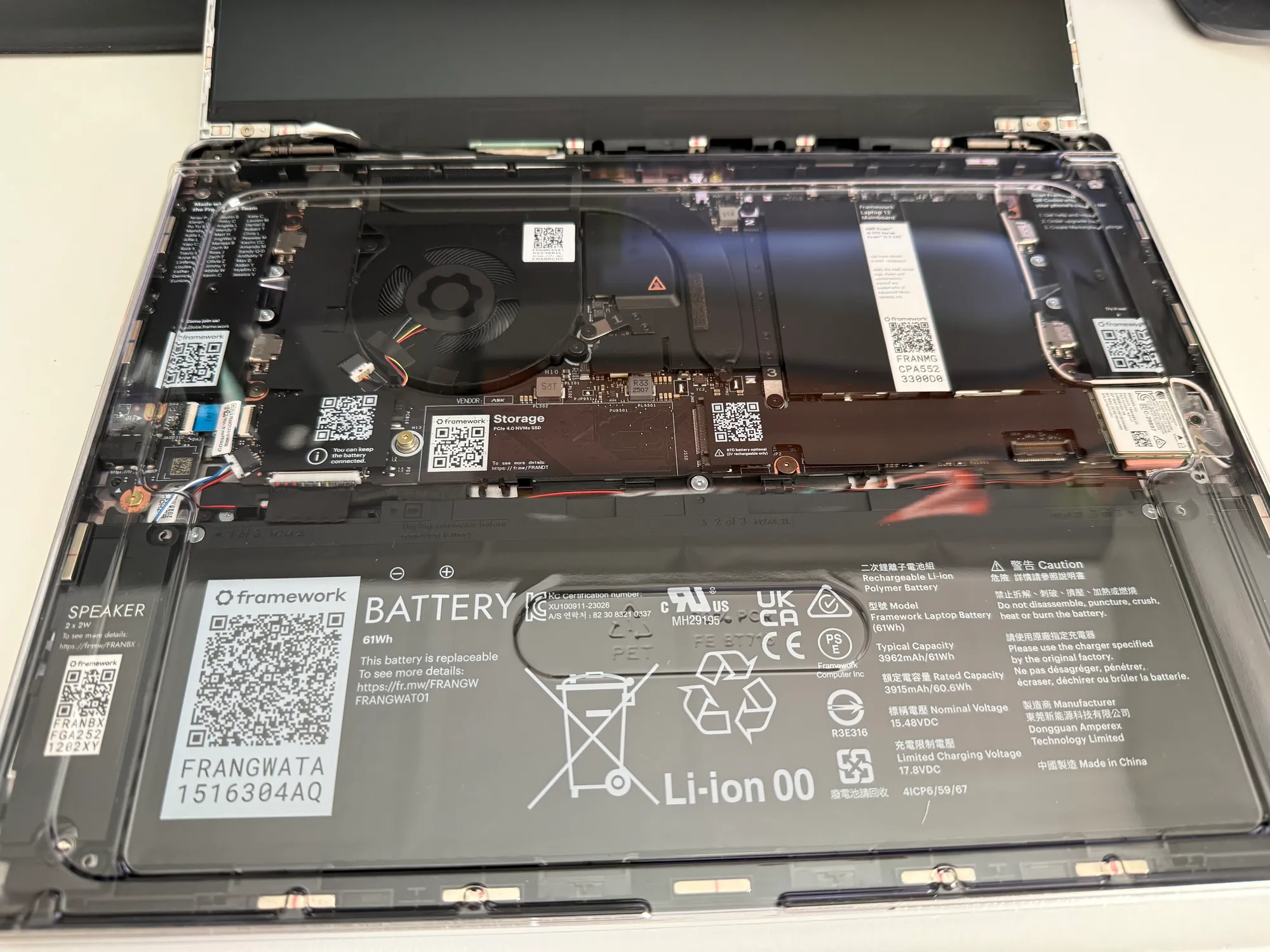
Framework Laptop 13
Over the years of trying different devices and distributions, I learned a lot - especially about device-compatibility and what to watch out for. Since I rely on a mobile device when I’m traveling or on vacation, it had to be a laptop.
I’d still like to have a beefy desktop at some point, but for now, it’s laptop only, baby!
So I knew that I’d only choose a machine that was meant to be run with Linux, not a Windows machine that can also run Linux.
With that in mind, if the DHH controversy had kicked in a few weeks earlier, I’d probably have ordered a System76 machine. But since it didn’t, I ended up with a Framework 13 with AMD Ryzen AI 300 Series, 16GB RAM and a 1TB SSD. It’s fine. Compared to my MacBook Air, the build quality, performance, and battery life are a step down. On the flip side, I gain flexibility when it comes to IO, storage and memory. In the long term, I feel that this will be worth it, since I plan on keeping this machine around for a long time. Plus, I was able to buy it with a relatively cheap upfront investment, while being able to upgrade components as I go. If RAM prices come down again, that is (sigh).
I only altered the hardware in one small way: I replaced the Mediatek-based Wifi card with an Intel AX210 for more stable wireless connectivity.
Fedora Silverblue
Since the Framework 13 ships with out-of-the-box support for Fedora, I thought Silverblue would probably work as well. Hardware compatibility should be identical anyway. Silverblue is the immutable flavor of Fedora that I’ve used on and off for a number of years now, and honestly, at this point I’m really wondering why anyone would choose a mutable OS - especially on a desktop.
I get that people are uncomfortable with the whole idea of immutability and don’t want to change habits they’ve had for decades, but there’s simply nothing quite like it in terms of reliability. I’ve run Linux desktops for over 20 years at this point (oh crap, I’m getting old) and I never had a setup survive multiple years. At some point, package updates would always break something enough that it felt easier to just do a clean install rather than spending hours debugging.
Over the last 3 years with Silverblue, I’ve always known I’d have a stable system, no matter what. If something went wrong, I’d just boot back into the previous image and deal with it later. That alone is so reassuring that it alleviates a lot of pain I’ve had daily-driving Linux over the years.
Immutability in Silverblue works by using OCI containers - yeah the same kind you’d use for running services in Docker. Basically, you boot into a container image, with only a few specific paths mounted as persistent volumes. “Upgrading packages” just means rebuilding the image from (for simplicity, let’s say) it’s Dockerfile with newer software and then booting into it.
Graphical applications are installed through Flatpak. CLI tools are either layered directly into the OS image (there’s some tooling allowing you to use a streamlined, package-manager-like CLI: rpm-ostree), or installed into persistent containers that run normal, mutable distros, on top of your main system. Those containers get all the necessary files and devices passed through, so using them feels pretty much transparent. They can even run graphical apps.
While this does add some complexity, you get used to it quickly. Plus, it’s an absolute godsend for keeping clean, separate environments for video, development, gaming or whatever, avoiding the convoluted mess of having all of your apps share the same dependency graph - much like nix-env.
My very own Silverblue
Having a desktop OS defined by a Dockerfile (or Containerfile to make it independent of a container runtime), I thought about having automated builds on my CI server. The idea is simple: Build a base OS image that includes all of my core CLI tools, Gnome extensions, configs, and everything else I consider essential. The CI pipeline could run on a schedule, and even include some basic automated tests.
That would allow me to have no local layering but just use the image as-is. And, because the build happens in CI, it either succeeds (meaning all my packages install without any conflict and I end up with a new image in my registry), or it fails, in which case I simply don’t get offered a broken update.
This is especially helpful, since I layer some packages from third-party repositories like RPMFusion, which often conflict with dependencies from Fedora’s first-party repos. Offloading this process from my machine is super nice.
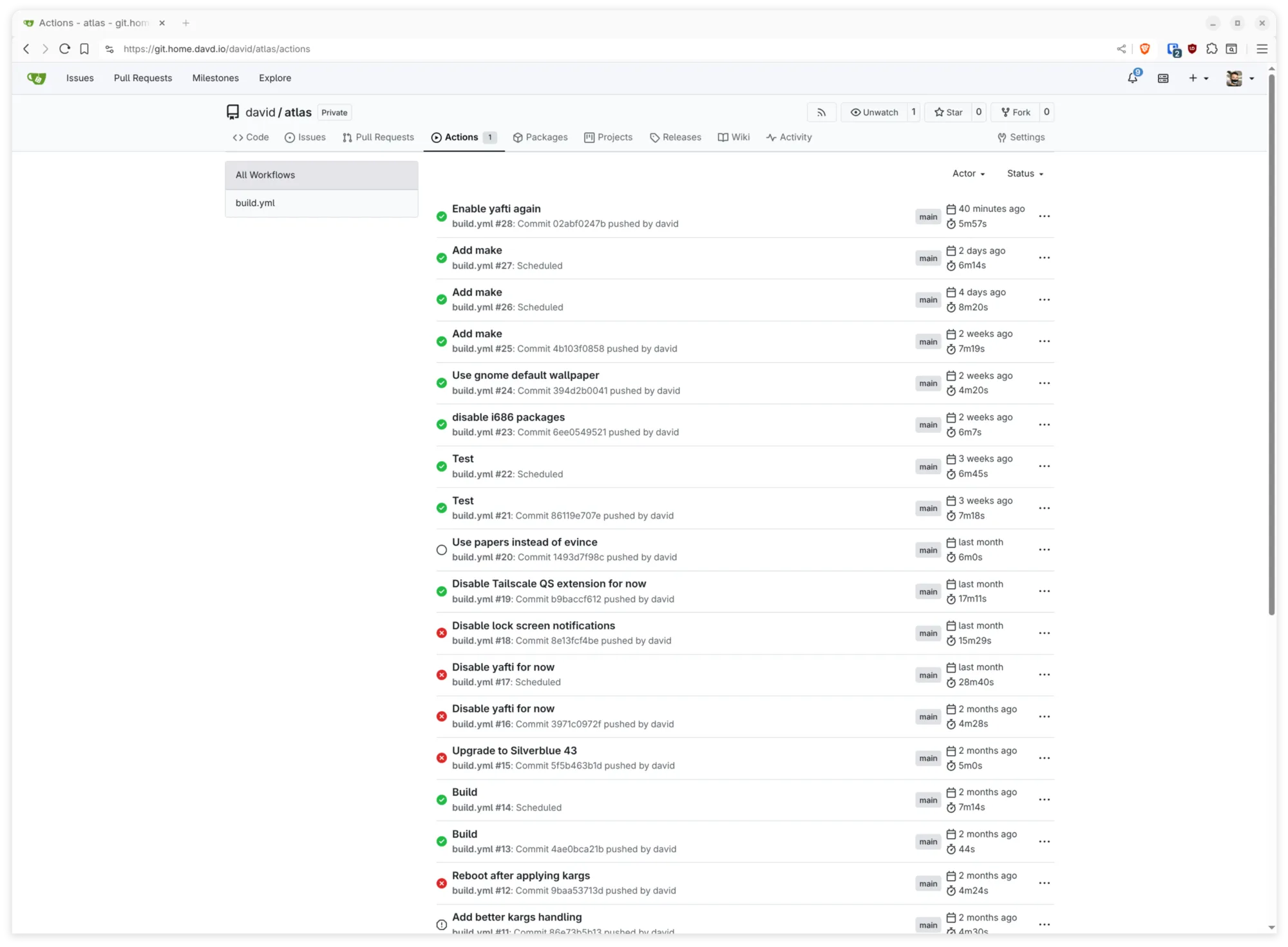
I played around with CI builds for my OS for some time now. I built a prototype that allows me to add in-image kernels and modules, perform package installations and add my dotfiles from GitHub. Then, I discovered uBlue, a community project that aims to make it easier to build custom immutable Fedora images. You might know Bazzite for its gaming focus - that’s based off of uBlue. They also created BlueBuild, a tool for building OCI images and even installation ISOs from a YAML definition. This is what I ended up using. It’s not perfect, but it’s pretty usable once you can wrap your head around the tooling.
For my own flavor of Silverblue specifically (I call it Atlas Linux), here’s a few things I added over the stock Silverblue distro:
- Disable all 32-bit package sources
- Configure kernel extensions like v4l2loopback
- Add kernel parameters to improve hardware support on my devices
- Create custom udev rules for USB wakeup and audio device configuration
- Remove unused packages like the GNOME Tour
- Layer video tooling from RPMFusion (non-free codecs, complete ffmpeg suite)
- Install Tailscale and other base tooling (neovim, htop, etc.)
- Apply my GNOME dconf tweaks (font smoothing, minimize/maximize buttons, folder-first sorting, fractional scaling, etc.)
- Install and configure all essential GNOME Shell extensions
- Set up dotfiles with Chezmoi
- Use a nicer monospace font (Cascadia Mono <3)
I try to avoid overdoing it because I want to spend the least time possible maintaining this configuration.
Desktop
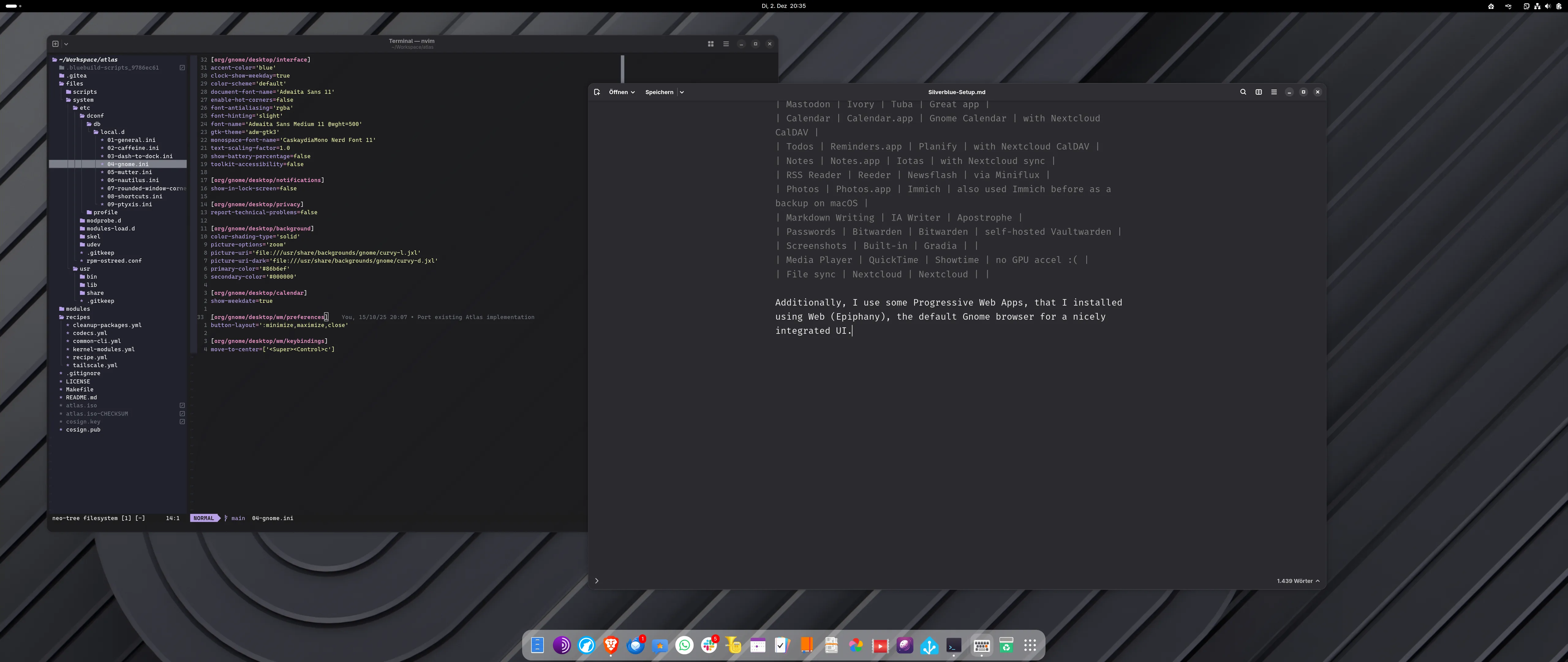
I’m not big into ricing, I just want a functional desktop. For that, I enabled minimize and maximize buttons to get a more traditional workflow. Besides that, I’m pretty much sticking with the Gnome defaults. I really do love the look of Gnome apps (GTK4/libadwaita) and prefer it over the latest macOS Liquid Glass changes. For better app management, I use the Dash To Dock extension. AppIndicator and KStatusNotifierItem Support brings back tray icons on the top right, which I need for Nextcloud. GSConnect uses KDE Connect under the hood and lets me integrate my smartphone and provides Apple Continuity-like features like clipboard sharing, file transfer and notification mirroring. Lastly, Caffeine is only one click away and allows my screen to stay awake beyond the sleep/suspend timeout.
Daily driver apps
On the app side, I also pretty much stick in the Gnome ecosystem: Nautilus is my file manager, and ptyxis is a nice and simple terminal application, that integrates well with containers and other immutable OS workflows.
Here’s a list of things I use all the time:
| Function | macOS App | Linux App replacement | Comment |
|---|---|---|---|
| Terminal | Terminal.app | ptyxis | |
| Browser | Firefox | Librewolf | Mozilla-less Firefox fork |
| Apple Mail | Thunderbird | ||
| Signal | Signal | Flare | Native GTK4, hence nicer |
| Mastodon | Ivory | Tuba | Great app |
| Calendar | Calendar.app | Gnome Calendar | with Nextcloud CalDAV |
| Todos | Reminders.app | Planify | with Nextcloud CalDAV |
| Notes | Notes.app | Iotas | with Nextcloud sync |
| RSS Reader | Reeder | Newsflash | via Miniflux |
| Photos | Photos.app | Immich | also used Immich before as a backup on macOS |
| Markdown Writing | IA Writer | Apostrophe | |
| Passwords | Bitwarden | Bitwarden | self-hosted Vaultwarden |
| Screenshots | Built-in | Gradia | |
| Media Player | QuickTime | Showtime | no GPU accel :( |
| File sync | Nextcloud | Nextcloud | |
| Code editor | neovim | neovim |
Additionally, I use some Progressive Web Apps, that I installed using Web (Epiphany), the default Gnome browser for a nicely integrated UI.