
For some reasons I needed a Linux installation on my NAS. byhve is a lightweight
virtualization solution for FreeBSD that makes that easy and efficient. However,
the CLI of bhyve is somewhat bulky and bare making it hard to use, especially
for the first time. This is what vm-bhyve solves - it provides a simple CLI
for working with virtual machines.
The only requirement seems to be VT-x CPU support or whatever it may be called
on AMD CPUs and ZFS as a file system. I run it on FreeBSD 11 12.
I think anyone interested in this topic has enough experience to know what this is about from reading the commands below, so I will skip a more detailed explanation and directly show you how I did it.
So here’s how to install Ubuntu 18.04 as a guest OS on FreeBSD using bhyve. If you’re using some older version like 16.04 it will basically work the same.
# Install required packages
pkg install vm-bhyve grub2-bhyve

# Load kernel modules
kldload if_bridge if_tap nmdm vmm

# Make loading of kernel modules persistent
echo 'if_bridge_load="YES"' >> /boot/loader.conf
echo 'if_tap_load="YES"' >> /boot/loader.conf
echo 'nmdm_load="YES"' >> /boot/loader.conf
echo 'vmm_load="YES"' >> /boot/loader.conf

# Set configuration for byhve-vm
sysrc vm_enable="YES"
sysrc vm_dir="zfs:zroot/vms"
sysrc vm_list=""
sysrc vm_delay="5"

# Create filesystem for VMs
zfs create -o mountpoint=/vms zroot/vms
vm init
cp /usr/local/share/examples/vm-bhyve/* /vms/.templates/

# Create bridge device, replace em0 with your network controller
vm switch create public
vm switch add public em0

# Grab Ubuntu 18.04 ISO
vm iso http://ftp.uni-kl.de/pub/linux/ubuntu.iso/bionic/ubuntu-18.04.1.0-live-server-amd64.iso

# Create the VM
vm create -t ubuntu -s 100G myubuntu

# For Ubuntu 18.04 you need to make an adjustment to the configuration, otherwise after
# installation your system will not boot. Add the following line:
#
# grub_run_partition="2"
#
vm configure myubuntu

# Start installation from the ISO
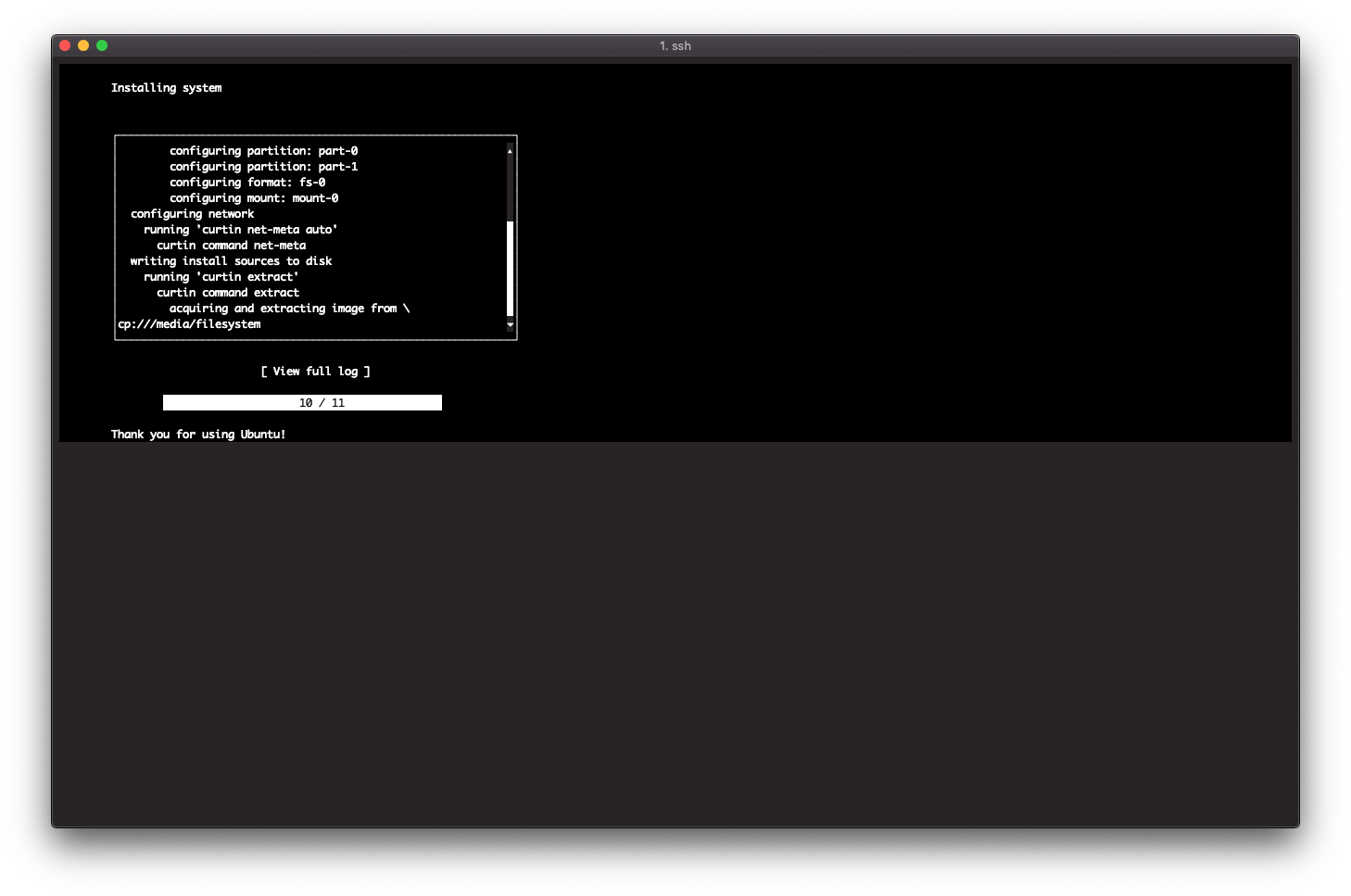
vm install myubuntu ubuntu-18.04.1.0-live-server-amd64.iso

# Attach to the console to finish installation. Afterwards configure OpenSSH to start on boot,
# shut down the machine to gain back control over your FreeBSD session
vm console myubuntu

# Enable autostart of the newly created VM
sysrc vm_list="myubuntu"

# Optional, give it more resources or whatsoever
vm configure myubuntu

# Start VM
vm start myubuntu
After the first boot I had some problems with networking. I set up a static IP during setup but in the end my machine
was not reachable at all. I suspect netplan or cloudinit to be responsible for the change, but I’m not sure. Anyway,
after I deleted the static MAC address assignment in the config (vm configure myubuntu) and rebooted the VM, it
started working without any further adjustment.